
Published on Google Play
Android
CEFR A1–B2
Offline-First
DTZ VHS Dictionary: A1–B2
Language Learning & Vocabulary Trainer
An intelligent vocabulary trainer designed for VHS students, integration courses (BAMF), and DTZ / Goethe certification (levels A1 to B2). The app features direct access to an extensive German language dictionary hosted in the cloud, spaced repetition (Spaced Repetition System) for long-term retention, native audio pronunciation, and grammatical gender color coding (der / die / das).
Cloud-Connected Dictionary
(Cloud Database)
Cloud Dictionary Access: The application connects directly to a high-speed cloud database with comprehensive German vocabulary, contextual examples, and continuous dictionary updates.
Curated A1–B2 vocabulary aligned with VHS courses and the official DTZ exam
Direct access to an up-to-date German language dictionary hosted in the cloud
Scientifically proven Spaced Repetition (SRS) for durable long-term memorization
Full offline mode — continue practicing on commutes or without internet
Audio voiceover, practical sentence contexts & color-coded noun articles
Scan with Phone
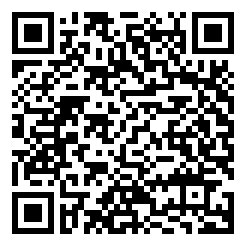
Scan this QR code with your smartphone camera to open and install the app directly from Google Play.
hl=en
•
com.nexso.de.wordtrainer.app